Visual tour of the Game Link tab
The Game Link tab, labelled. Connection target, activity log, and per-game tips. With screenshots.
The Game Link tab in ToyControl is where you find the connection info to give to your VR games. This article shows the tab in detail.
If you prefer the full feature explanation, see Game Link.
The full tab
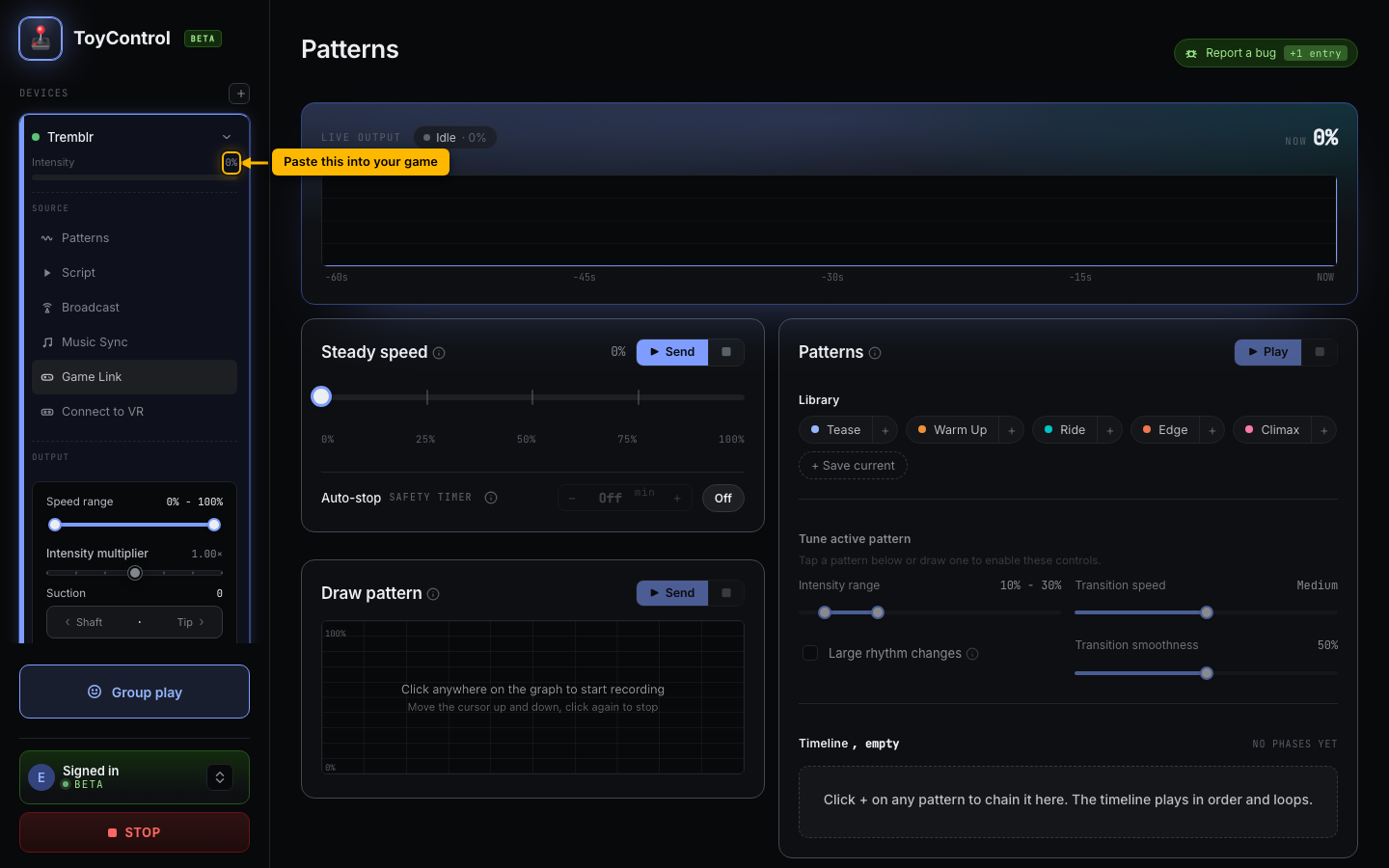
Two main pieces:
- The connection target. An IP and port. Games connect to this address as if it were a Lovense toy.
- The activity log. Shows commands games send. Empty until a game connects.
The connection target
The target looks like 192.168.1.42:6010. Two parts:
- The IP is your computer's local network address. Games on the same Wi-Fi can reach it.
- The port (default 6010) is what the helper app listens on.
A Copy button next to the target puts both on your clipboard. Paste it into a game's interactive-toy settings.
For games that use Buttplug.io instead of Lovense Game Mode (for example Skyrim's Telekinesis, LoveMachine for the Illusion games, the Game Haptics Router), the helper app also publishes an Intiface bridge address. Both addresses are shown.
See How games connect to your toy for which protocol your game uses.
The activity log
A scrolling log of commands games have sent. Each entry shows the command type (e.g., Vibrate:50, Pump:80) and a timestamp. Useful for two things:
- Confirming the connection works. If you see entries arriving, the game is talking to ToyControl.
- Diagnosing weird behavior. If the toy feels wrong, the log shows what the game thinks it sent.
Per-game tips
The tab includes short hints for games we have tested. Captain Hardcore is the most prominent example, with its in-game menu path shown. Other games (Heat VR, Wild Life, VAM) follow similar flows.
Disconnect
A Disconnect button drops any active game connection and clears the log. Useful when:
- You finished a session and want to clean up.
- You want to swap which game is connected.
- The connection feels stuck and you want to start fresh.
The toy itself stays paired. Disconnect only affects the Game Link path.
What the tab does not show
- Your paired toys. Those are in the sidebar.
- Script playback state. That is in Script Player.
- Remote Control rooms. Separate tab.
Game Link's job is purely the connection target and the live activity feed.
When to use this tab
- Setting up a new VR game for the first time (you copy the IP/port).
- Debugging a game that is not responding (you watch the activity log).
- Configuring Skyrim mods or VAM plugins (you paste the URL into the mod config).
For day-to-day play, you set this up once and forget it. The game remembers the IP/port between sessions.