How to start a remote play room
Create a 5-letter room code, share it with a partner, and decide who drives the toy. Setup in under a minute.
A ToyControl room is a temporary browser session where one person controls another person's connected toy. You create a room, share a 5-letter code with your partner, and decide who is driving. The whole setup is under a minute.
This article walks you through both sides: hosting and joining.
What you need
- One or both partners with a paired toy.
- A web browser open to ToyControl on each side.
- A 5-letter room code, generated by whoever creates the room.
- Optionally, a webcam and microphone if you want to see and hear each other.
A Pro subscription is required for remote control rooms after the free trial. See Free trial and Pro subscription.
The Group play landing has a Start a room card on the left and a Join a room card on the right. Below those, a list of Public rooms and an In the lobby section showing people currently looking for a session.
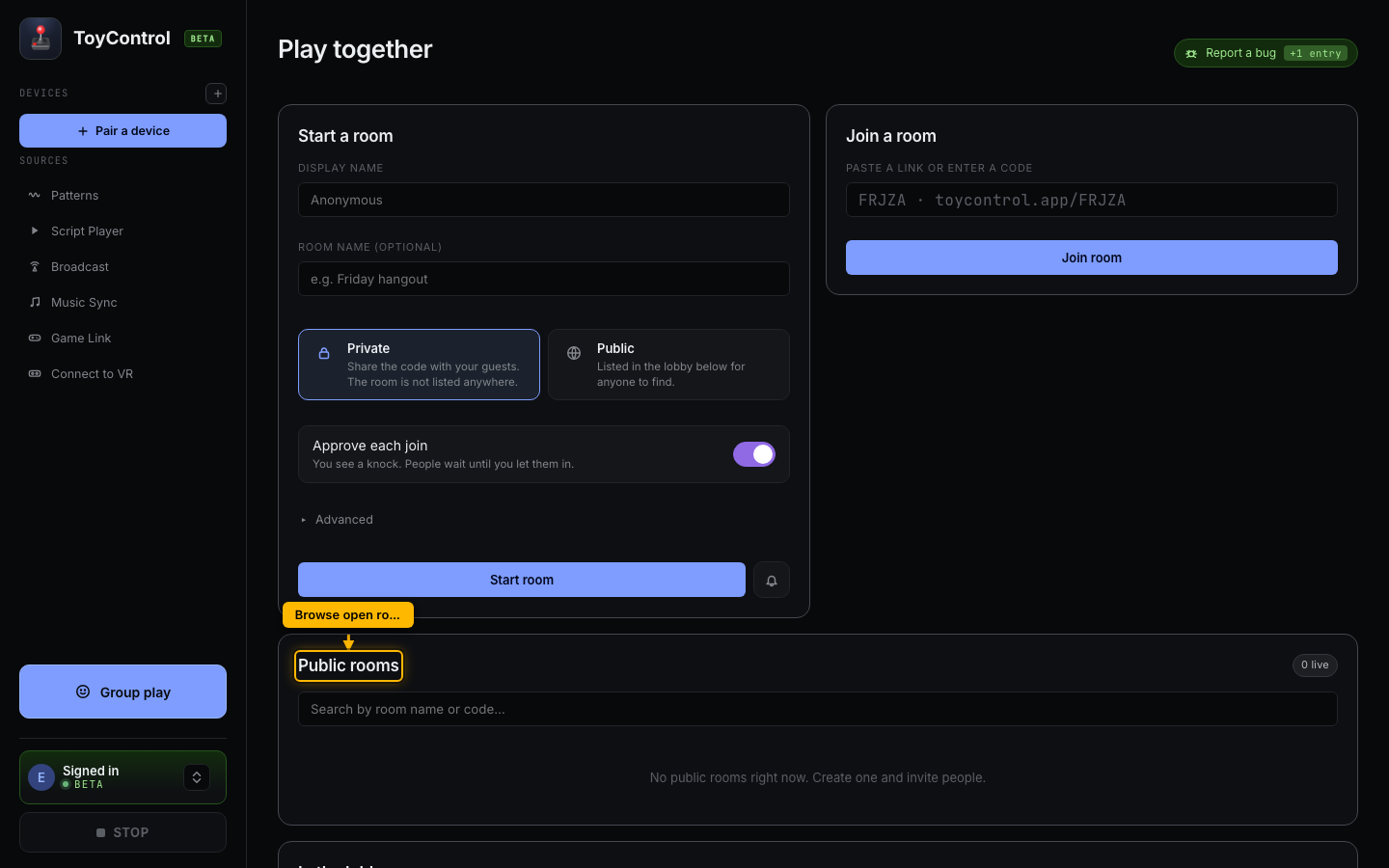
Hosting (you want to be controlled)
- In ToyControl, click Group play at the bottom of the sidebar.
- In the Start a room card, optionally enter a display name (defaults to "Anonymous").
- Optionally name the room.
- Pick Private if you only want your partner in the room. Pick Public if you are happy for strangers to find you.
- Leave Approve each join on if you want to manually let people in (recommended); turn it off if anyone with the link can walk straight in.
- Click Start room.
- ToyControl generates a 5-letter code (e.g.
FRJZA) and gives you a shareable link liketoycontrol.app/FRJZA. Copy the code or link. - Send it to your partner. Text, chat, voice, any way they will see it.
The room is now open and waiting. You will see a "waiting for controller" message until your partner joins.
The lobby below the cards shows people currently looking for a session:
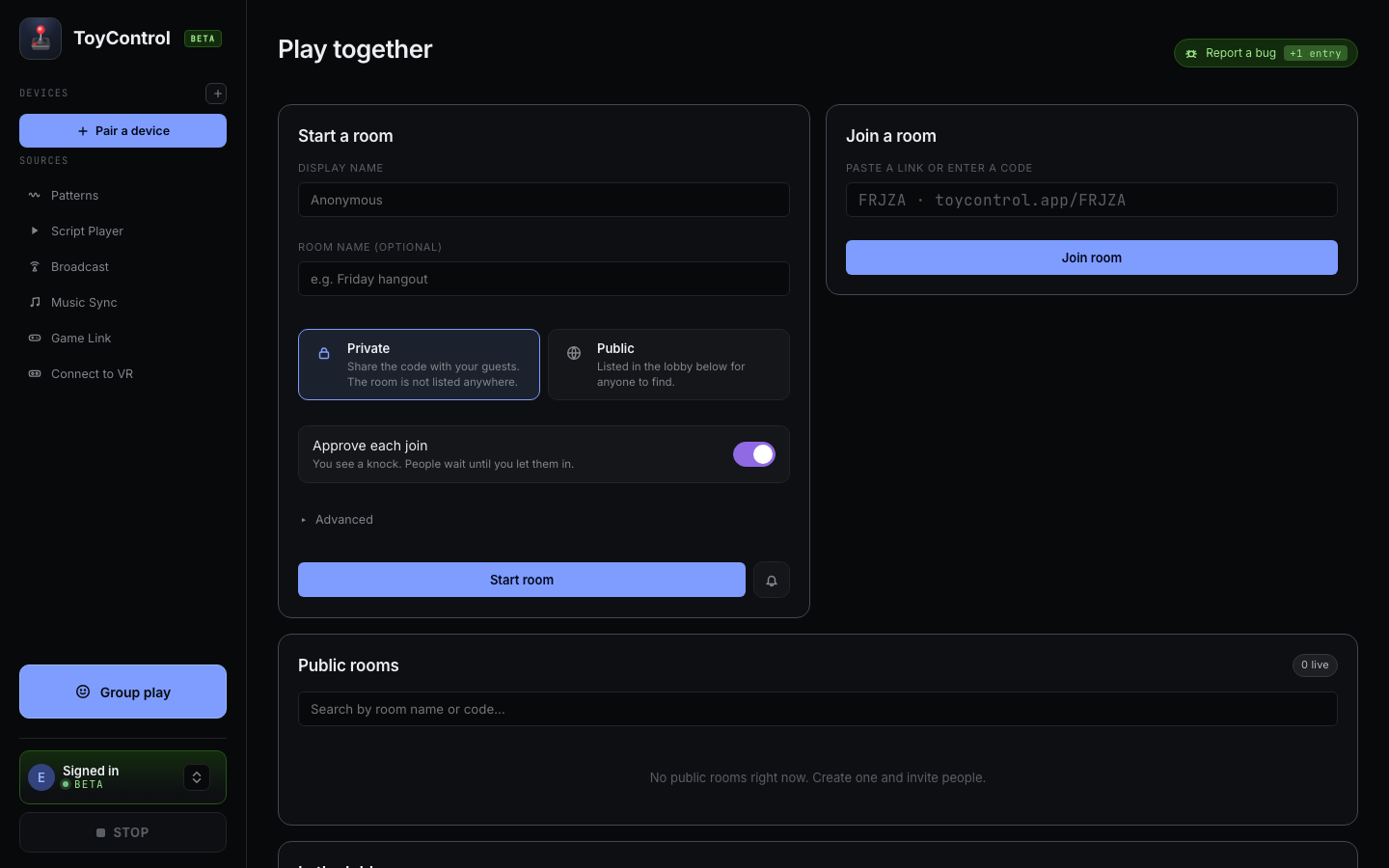
Joining (you want to drive)
- In ToyControl, click Group play at the bottom of the sidebar.
- In the Join a room card on the right, paste the link your partner sent or type the 5-letter code.
- Click Join room.
If the code is correct, you are in. You will see a big slider that controls your partner's toy in real time.
Driving
Once you are in:
- The big slider sets the toy speed from 0 to 100. As you drag, your partner's toy follows.
- Quick speeds (0, 25, 50, 75, 100) are one-tap presets.
- Random Tease sends a procedurally-varying speed for 10 seconds.
- Pulse sends a quick burst at the current speed.
- Draw Pattern lets you sketch an intensity curve on a canvas and play it (with looping if you want).
- Stop Pattern stops any pattern that is running.
The chat box at the bottom lets you message your partner during the session.
Receiver safety
If you are the one being controlled, you do not have to give a stranger (or even a partner) full range. Use the Min and Max speed limits on your side to cap what the controller can do.
- Min raises the floor. Anything below this is bumped up.
- Max sets the ceiling. Anything above this is silently clamped.
A safe starting point for a new controller: max 70, min 0.
See Setting safe limits for someone driving your toy.
Disconnecting
Either side can end the session by clicking Disconnect. The room closes. The 5-letter code is no longer valid.
If you walk away, your toy will stop in a few seconds. ToyControl detects an idle connection.
What if the code does not work
A few common reasons:
- Typo in the code. It is five letters. Copy and paste if you can.
- The receiver closed their browser before you joined. The room no longer exists. Ask them to create a new one.
- The receiver picked Public and you typed a Private-style code. Public rooms appear in the lobby; you may find it there instead.
- You and the receiver are on different versions of ToyControl (very rare). Refresh both browsers and try again.
What if I want two controllers
A room can have several people in it. By default only one of them drives at a time, but anyone can ask for control. The current driver sees a request and clicks Grant or Decline. See Letting your partner take control.